Browser workflow
Work in the browser instead of installing tools
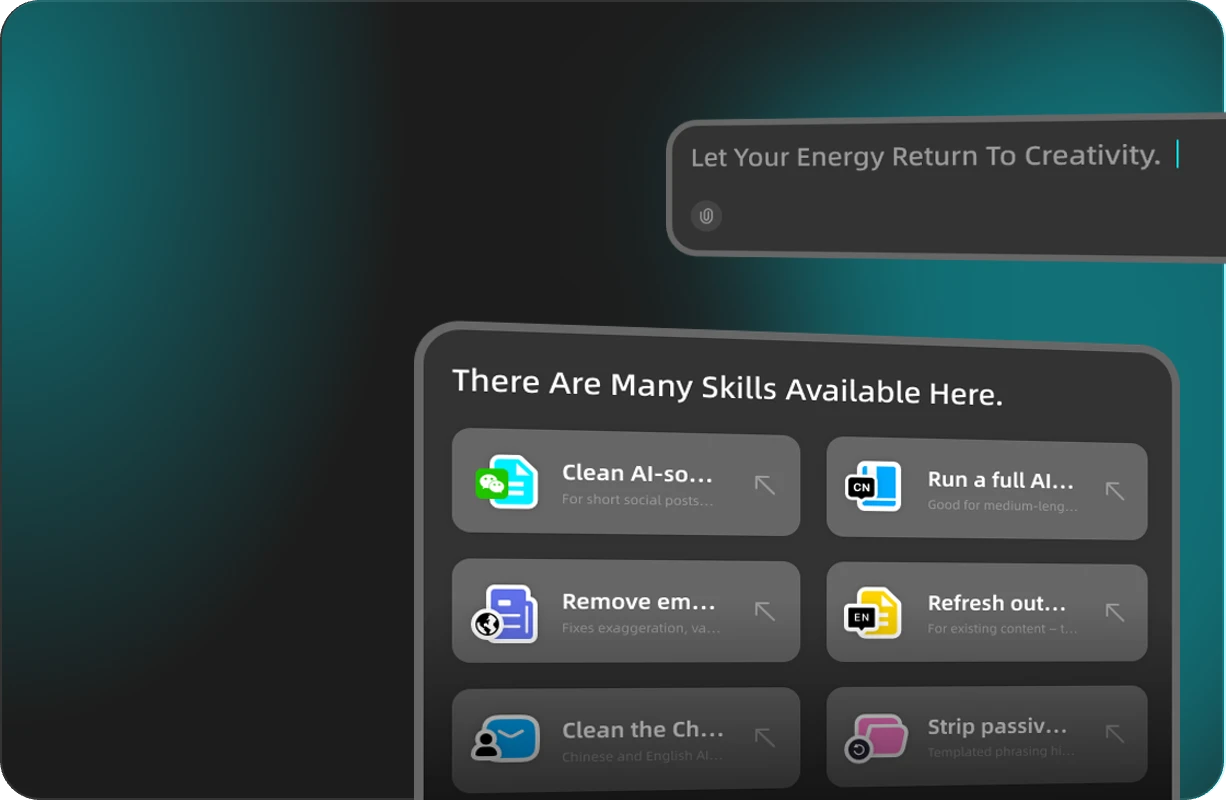
Many people want an agent workspace they can open like any other website. Instead of installing a desktop client, editor plugin, or sandbox first, you describe the outcome, review files, and iterate in the browser.
Codex Web on this page points to iMini Creator Agent. If you already use OpenAI Codex locally, treat this as a complementary lane for writing, images, video, research, and multi-step agent work when your machine setup is blocked or unnecessary.
- Open the agent URL, describe the job, review output, then refine with follow-ups.
- Useful when local setup is slow, restricted, or overkill for the task.
- Keep the first brief specific so the agent has a clear success criteria.
Low-friction start
Try a real task before you commit budget
The easiest way to evaluate an agent is to finish something small: a Friday update, a slide outline, or a research brief. Quota and plans can change by product, but the path we recommend is built for a low-friction first run.
Start with a modest deliverable so you learn the loop — prompt, review, revise — before you put heavier work into the system.
- Use a concrete, time-boxed first task.
- Clear prompts waste less quota on retries.
- Upgrade only after you have seen a result you would reuse.
Fewer signup walls
Get to a useful session without paperwork first
Identity checks and payment forms are common reasons people abandon AI trials. This page highlights a start that does not require KYC upload or a credit card bind before you can try the agent.
That matters for freelancers, students, and teams who need a fast prototype day — speed first, paperwork later if you scale usage.
- Open the agent and run a sample deliverable the same day.
- Follow each product’s rules if you move into higher-volume commercial use.
- Keep personal or company data out of early experiments until you trust the workflow.
Alongside official Codex
How this relates to OpenAI Codex
OpenAI Codex is the official product in ChatGPT and developer tooling. This independent site uses “Codex Web” to describe a browser agent path via iMini that complements — not replaces — those official options.
Choose the lane that matches the job: local or ChatGPT Codex for deep coding workflows; this web path when you want a quick creative or productivity agent session online.
- Official Codex: ChatGPT and developer tools from OpenAI.
- Codex Web here: browser entry via iMini Creator Agent.
- Use both when it helps — they solve overlapping but not identical jobs.